
Enter your employee number, type in the password received by mail, click, and nothing happens. The SNCF Family Agency extranet displays a generic error without specifying what is blocking. Most of the time, the problem does not come from a portal outage. It arises from confusion over the identifier used, a misunderstood recovery channel, or a file with outdated contact information.
SNCF extranet identifier: the employee number with its final letter, not the pension number
The most common reflex when you are an SNCF retiree is to enter your pension number or social security number in the identifier field. Both are rejected. The expected identifier is the SNCF employee number followed by a final letter, a format specific to the company’s internal system.
This final letter poses a concrete problem: many former employees have never memorized it because it did not appear on all documents. It appears on some pay slips or letters from the family agency, but not on the retiree card.
If you have lost this information, several resources detail the common errors related to this format, including the SNCF family agency extranet on Astelos Senior which lists the most common blockages. The key point to remember: as long as the final letter is missing or a digit is substituted, the portal denies access without an explicit message.

Confusion between SNCF retirees portal and SNCF Connect: two spaces, two passwords
We regularly encounter retirees trying to log into the Family Agency portal with their SNCF Connect credentials. It seems logical at first glance: both bear the SNCF logo. In practice, the credentials are not interchangeable between these spaces.
SNCF Connect is the public space for purchasing tickets. The portal services-aux-retraites.sncf.com manages travel facilities, certificates, and pension-related procedures. The databases are distinct.
The direct consequence: resetting your password on SNCF Connect does nothing for the retirees’ extranet. You can very well have functional access to book a TGV and still be stuck on the Family Agency portal. Feedback varies on this point, but several testimonies from railway forums confirm that this confusion generates the majority of assistance requests.
Check the website address before entering any information
Another common trap: typing “SNCF family agency” into a search engine sometimes leads to old links or intermediary pages. Using a direct shortcut to the official portal avoids misdirection errors. Bookmarking the URL after a successful first login remains the most reliable method.
SNCF extranet password reset: postal mail, not email
This is the point that surprises the most. On almost all websites, a forgotten password can be retrieved by email in a few minutes. On the SNCF retirees’ Family Agency portal, the procedure goes through postal mail via the Amiens digitization center.
You receive a temporary password by mail, which must then be activated online. The time frame depends on postal processing, which can take several business days. For someone used to instant resets, this delay gives the impression that the system is down.
- The temporary password has a limited validity period: if you take too long to use it after receiving the mail, it may expire before the first login.
- The entry of the temporary password must respect the exact case (uppercase and lowercase) as printed on the letter.
- Once logged in with the temporary password, the portal immediately asks you to create a new one. Do not close the page before completing this step.
Multiple attempts and account lockout
After several incorrect entries, the account automatically locks. This lockout is not always clearly indicated on the screen. You continue to see the same generic error message, not knowing that the blockage is now related to the number of attempts and not the password itself.
Waiting before trying again or directly contacting the relevant family agency helps avoid prolonging the lockout. Changing the secret code from the personal space (when you still have access) is also an option documented on railway forums.
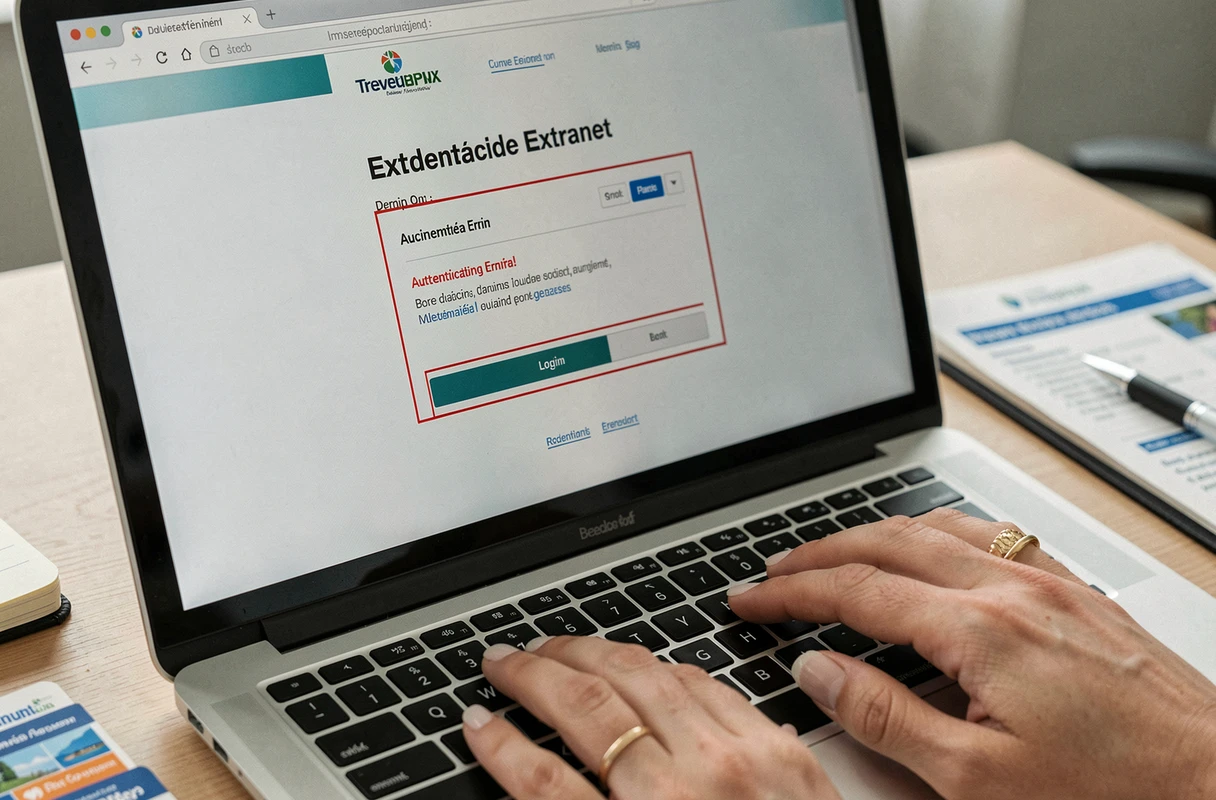
Outdated email address in the SNCF retiree file: an invisible blockage
Even when the identifier is correct and the password valid, a file can remain partially blocked due to an outdated email address. The portal expects an individual and active address to associate with the account. If the registered address is an old closed webmail, or a shared address between spouses, certain functionalities will not respond.
This case is common among couples of SNCF retirees: two distinct accounts linked to the same email address create authentication conflicts. Each retiree account must be associated with a unique email address.
- Check the email address linked to the file by contacting the family agency by phone before any reset attempts.
- Create a dedicated email address if the old one is inaccessible, then request an update of the file.
- Confirm that the address is indeed individual and not shared with a spouse or another beneficiary.
Updating this information cannot be done online. It requires direct contact with the relevant family agency, by phone or by mail. This is a step often overlooked because one does not think to check a field that has not been modified for years.
The SNCF Family Agency portal remains a functional tool, but its authentication mechanisms follow a logic specific to the railway system. Precisely identifying the source of the blockage (employee number format, portal confusion, postal channel, outdated email address) can save several days compared to a series of blind attempts.